

RENEE – Textile and Fashion Designer
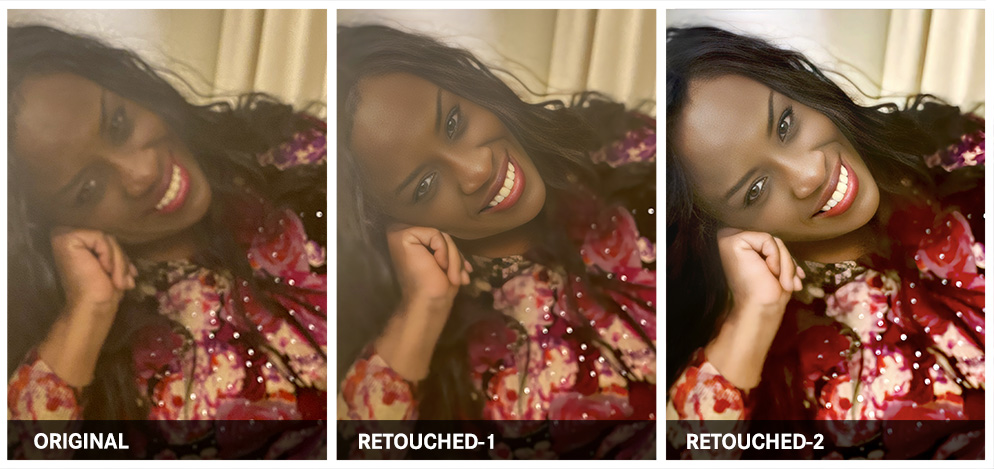
Fashion design, apparel graphics, and engineered textile, print designer, looking to go from 'Yes Mam!' to 'FASHION DIVA GLAM!' Retouching work was needed to make CLEAR, the original, blurred, washed-out photo, as well as improve the contrast and lighting.
ORIGINAL PHOTOGRAPH – by Giselle White
WHAT WAS DONE:
- 1. The photo was enhanced through the Remini.ai Web Application, so as to unblur and sharpen the image.
- 2. Then, in Adobe Photoshop, the image was duplicated and multiplied by 30% to increase the black levels. The image was then merged with the original enhanced image.
- 3. This image was then duplicated, with the contrast set to a 50% Overlay, so as to improve the photo's contrasts, and reveal hidden details. The image was then merged with the duplicated photo in 2.
- 4. To create natural, healthy-looking skin tones, various color samples were made of the subject's skin. The airbrush tool was used to smoothen uneven skin tone.
- 5. The healing-brush tool was then used to remove skin blemishes.
- 6. The brightness-contrast and exposure levels were used to bring in some vibrance and light falling naturally against the skin.
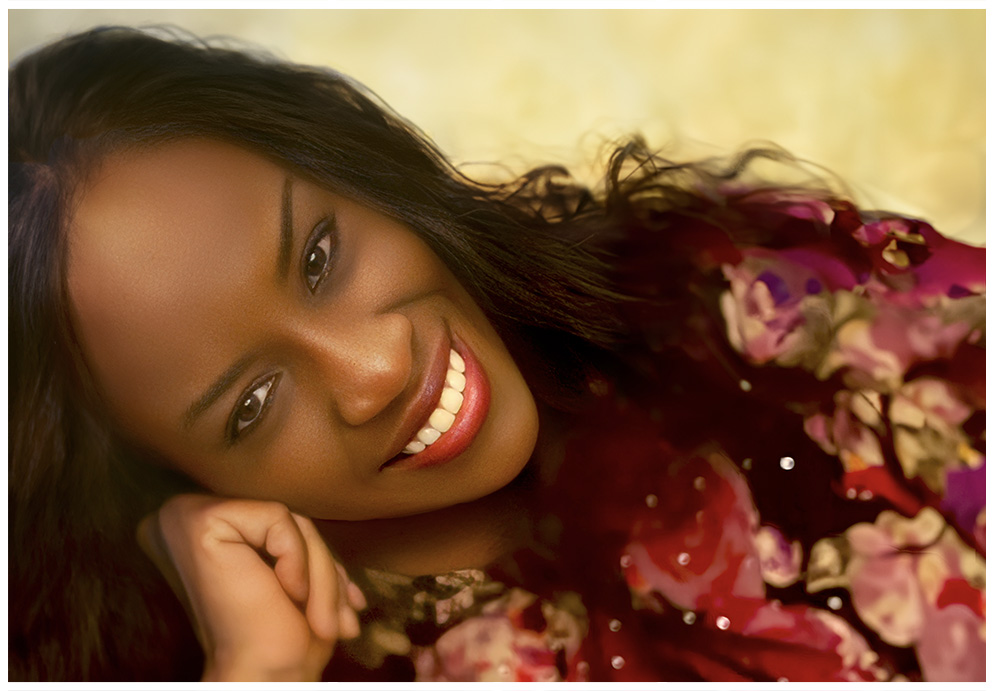
- 7. Then new backgrounds were created using Photoshop's Generative-AI tool, with the key words: 'Blurred background'.
RETOUCHED PHOTOGRAPH – Photo by Webphotographix
« BACK NEXT »


